What Is TiviMate IPTV Player?
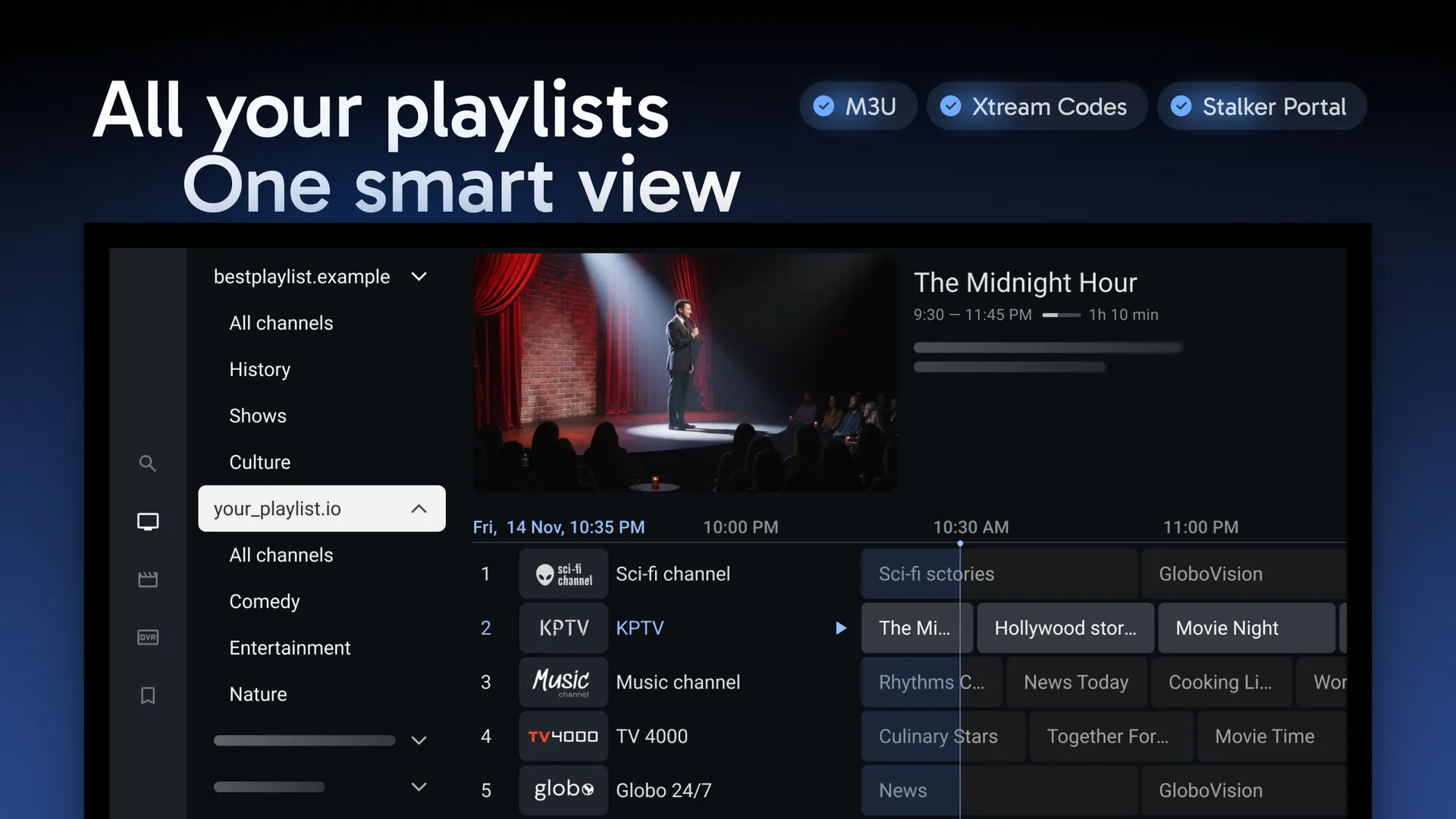
TiviMate is an IPTV player application that allows users to stream IPTV content from their IPTV providers. It does not provide channels or content by itself. Instead, users can connect their IPTV subscription using M3U playlists or Xtream Codes credentials.
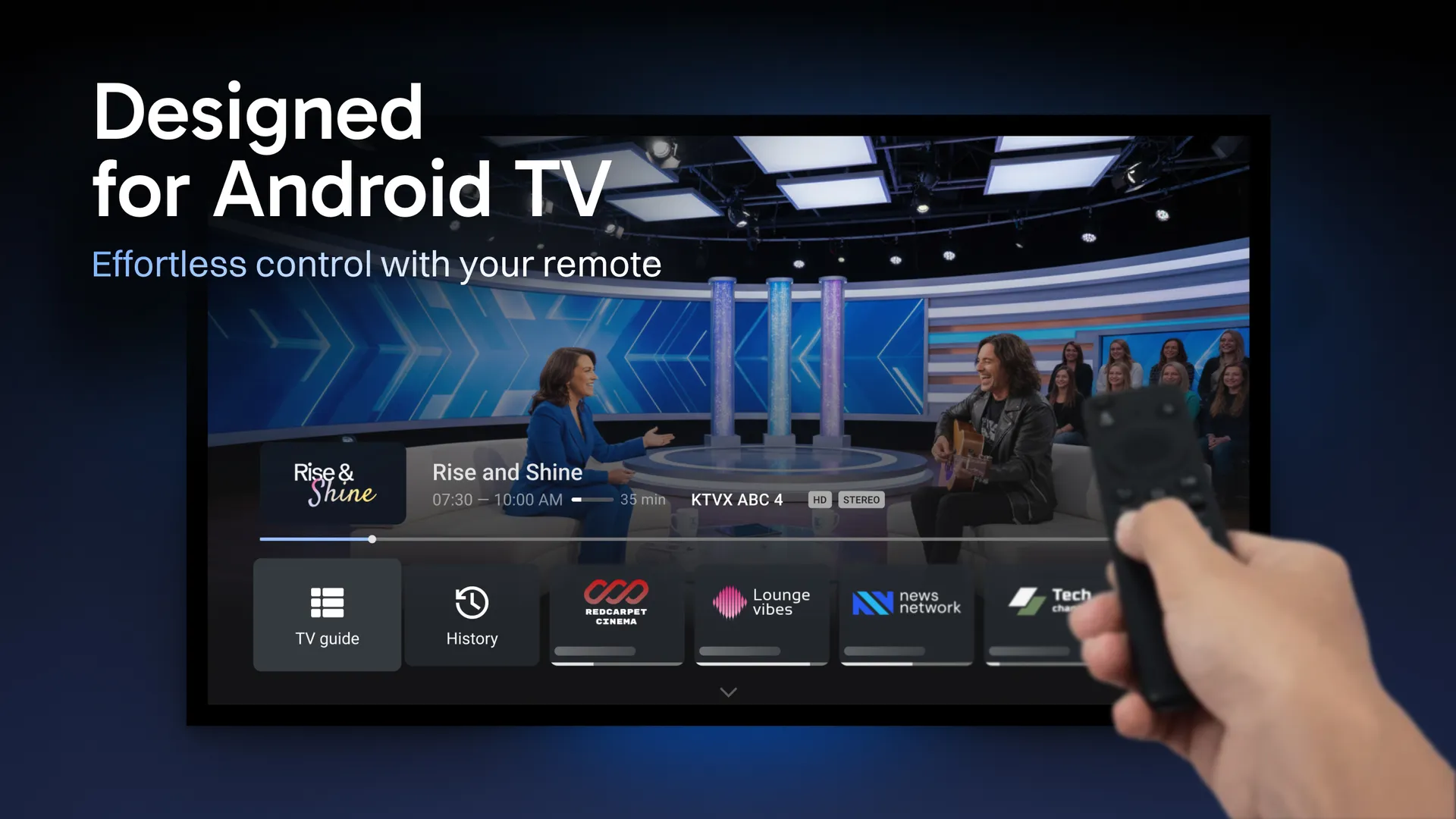
The application was built specifically for Android TV and Fire TV devices, making it one of the most optimized IPTV players available for television screens.
TiviMate focuses on delivering:
- Smooth IPTV streaming
- Modern television-friendly interface
- Advanced playlist management
- High-performance channel navigation
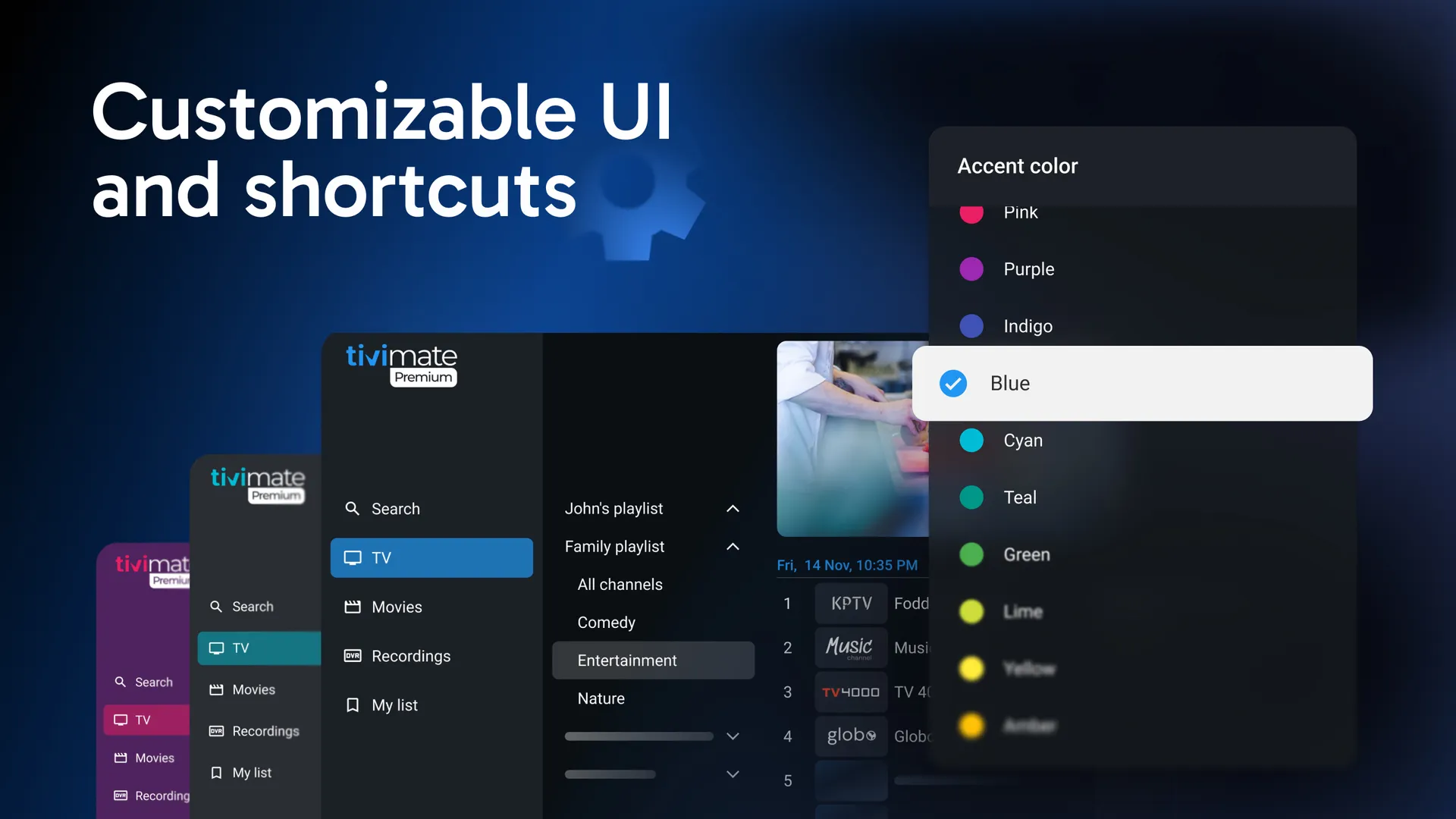
- Premium customization features
- Multi-playlist support
Its intuitive design and professional appearance make it one of the most popular IPTV applications among IPTV users worldwide.
Top Features of TiviMate IPTV Player
Modern User Interface
One of the biggest advantages of TiviMate is its modern interface. The application is designed specifically for TV screens and remote controls, providing a smooth and enjoyable navigation experience.
Users can quickly browse channels, categories, and electronic program guides without unnecessary complexity.
Support for M3U Playlists
TiviMate supports M3U and M3U8 playlists, allowing users to connect their IPTV services easily.
Benefits include:
- Quick setup process
- Access to live TV channels
- Access to Video on Demand content
- Easy playlist management
Xtream Codes API Integration
Many IPTV providers offer Xtream Codes login credentials instead of M3U URLs.
TiviMate supports:
- Username
- Password
- Server URL
This method provides a cleaner and more organized IPTV setup experience.
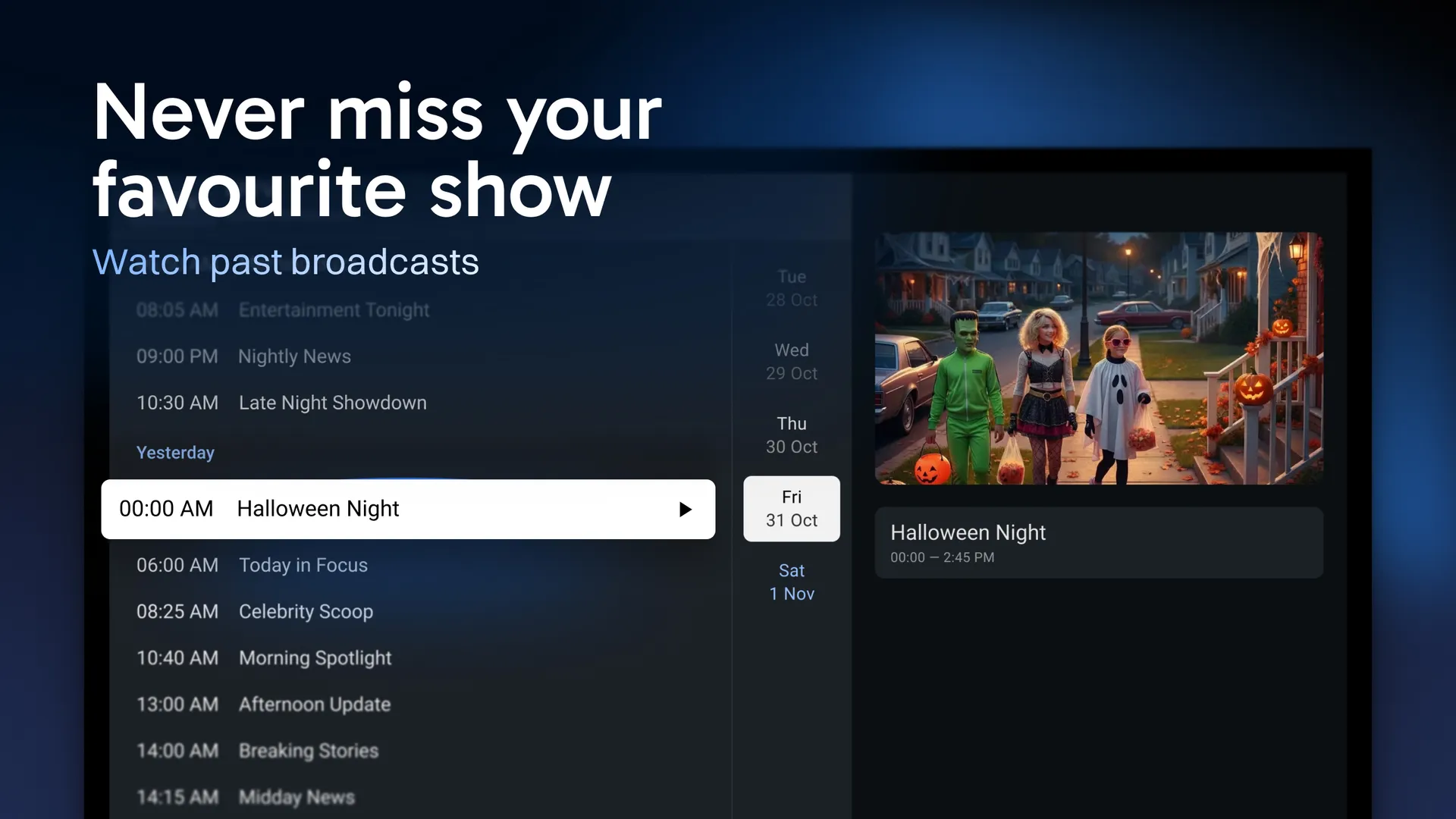
Electronic Program Guide (EPG)
EPG support is one of TiviMate’s strongest features.
Users can:
- View current programs
- Browse upcoming shows
- Check channel schedules
- Navigate content easily
The TV guide experience closely resembles traditional cable television services.
Multiple Playlist Support
Unlike many IPTV players, TiviMate allows users to manage multiple IPTV playlists simultaneously.
This feature is useful for users who:
- Use multiple IPTV providers
- Separate sports and entertainment content
- Manage personal and family playlists
Favorites Management
Users can organize channels into favorites lists for faster access.
This feature improves usability and helps users create personalized channel collections.
Catch-Up TV Support
Some IPTV providers offer Catch-Up TV functionality.
When supported by your IPTV provider, TiviMate allows users to watch previously aired content directly from the EPG.
Recording Features
TiviMate Premium allows users to record live TV content directly to supported storage devices.
This feature is particularly useful for:
- Sports events
- TV series
- News broadcasts
- Special live programs
HD and 4K Streaming
TiviMate supports:
- HD Streaming
- Full HD Streaming
- 4K Streaming
Streaming quality depends on:
- IPTV provider quality
- Internet speed
- Device capabilities
Supported Devices
TiviMate is compatible with:
- Android TV
- Google TV
- Amazon Fire TV
- Fire Stick
- Android TV Boxes
- NVIDIA Shield
- Chromecast with Google TV
The application is optimized specifically for television devices rather than smartphones.
Download TiviMate IPTV Player
Ready to enjoy one of the best IPTV players available for Android TV and Firestick? Download TiviMate IPTV Player and start streaming your favorite live TV channels, movies, sports, and series with support for M3U playlists and Xtream Codes.
📥 Official Download Links
🌐 Official Website
Visit the official TiviMate website for the latest updates and information:
https://tivimate.com/
📺 Android TV
Download and install TiviMate on Android TV devices for the best IPTV viewing experience.
🔥 Amazon Firestick & Fire TV
Install TiviMate on Firestick using Downloader App.
Downloader Code:
(Add Downloader Code Here)
📱 Android APK
If available, you can install the latest APK version directly on supported Android devices.
APK Download Link
Why Download TiviMate?
- Easy IPTV setup
- M3U Playlist support
- Xtream Codes API login
- Modern TV-friendly interface
- EPG (TV Guide) support
- Multiple playlist management
- HD, Full HD, and 4K streaming
- Premium features for advanced users
Why IPTV Users Prefer TiviMate
Many IPTV users consider TiviMate the gold standard for IPTV streaming due to its combination of performance, stability, and advanced features.
Compared to many competitors, TiviMate offers:
- Faster channel switching
- Better playlist organization
- Superior EPG support
- Cleaner interface
- Better remote-control navigation
- More customization options
These features make it one of the most recommended IPTV applications available today.
Get the Best IPTV Subscription for TiviMate
TiviMate works best when paired with a reliable IPTV service that provides stable streams, updated playlists, and high-quality content.
👉 Explore our IPTV subscription plans:
/iptv-pricing-plans/
Choose a package that fits your needs and enjoy seamless IPTV streaming on TiviMate.
 Written by